How WPPilot works

From install to insight in under two minutes. Here's what happens behind the scenes — and what you see.

01

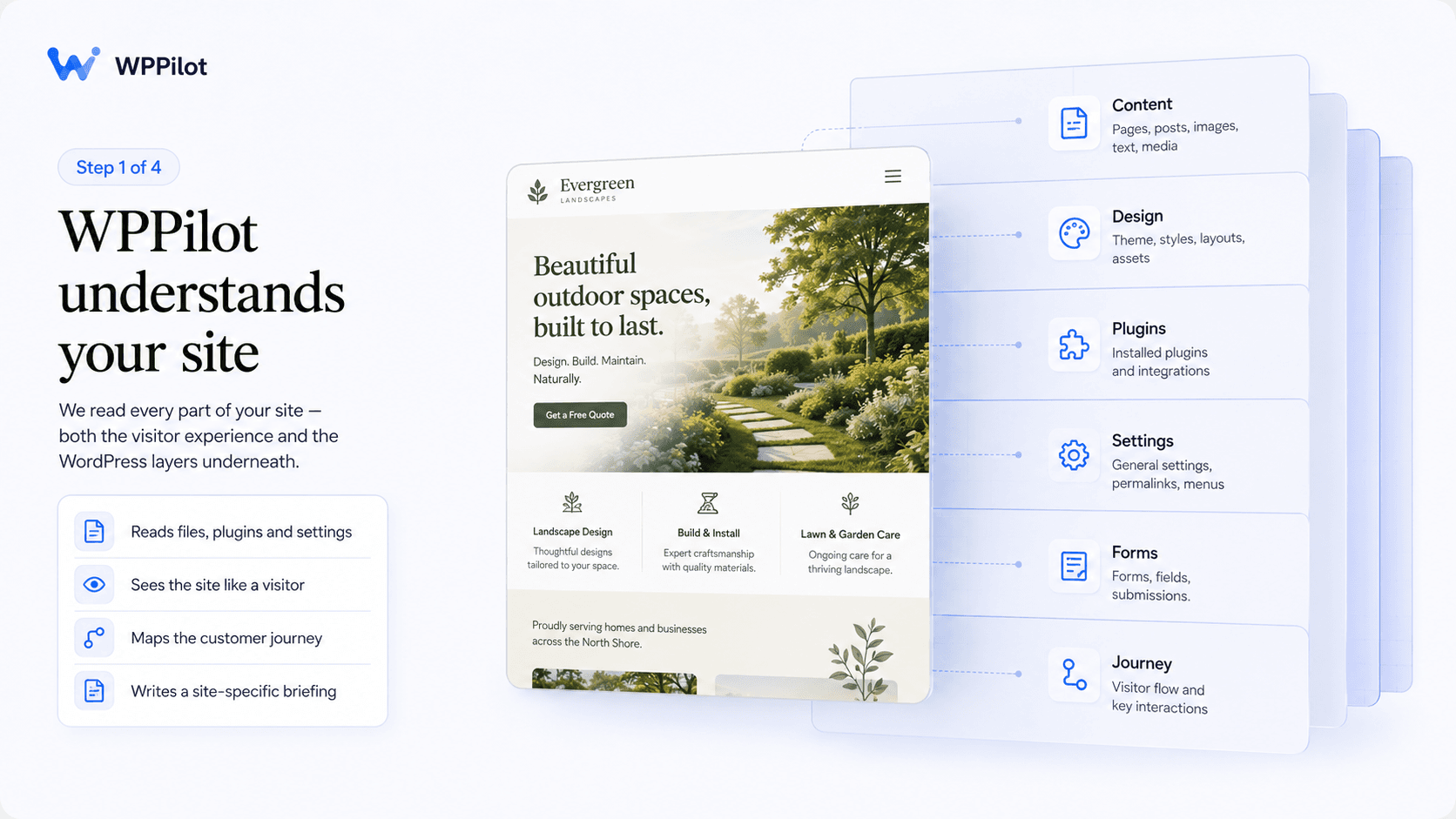
WPPilot reads your site

The Briefing is the first thing you see. Not a score. Not a checklist. A real read of your site, written like a senior consultant studied it for an afternoon.

WPPilot reads every page, samples your posts, checks your plugin inventory, captures your homepage, and thinks about what kind of site this is and what should come next. Then it writes you the honest read.

Animation

Scanning stages flowing left to right — 'Reading pages' → 'Sampling posts' → 'Checking plugins' → 'Capturing homepage' → 'Thinking…' → Briefing prose appearing. ~8 seconds. Each stage has a small visual icon. The thinking pause is important — emphasize the AI considering, not just processing.

02

WPPilot sees your site

Most AI tools read your site's code. WPPilot also looks at your site the way a visitor does.

A full homepage screenshot. Vision AI analyzes composition, hierarchy, brand presentation, what a real person encounters in the first second. A missing call-to-action becomes a real finding. A professional design becomes a real strength. This is signal text analysis can't produce.

Animation

A homepage screenshot appearing, then visual analysis overlays appearing on top — boxes highlighting the hero, the CTA, the navigation, with short labels appearing next to each. ~6 seconds. Looks like vision AI literally annotating the page.

03

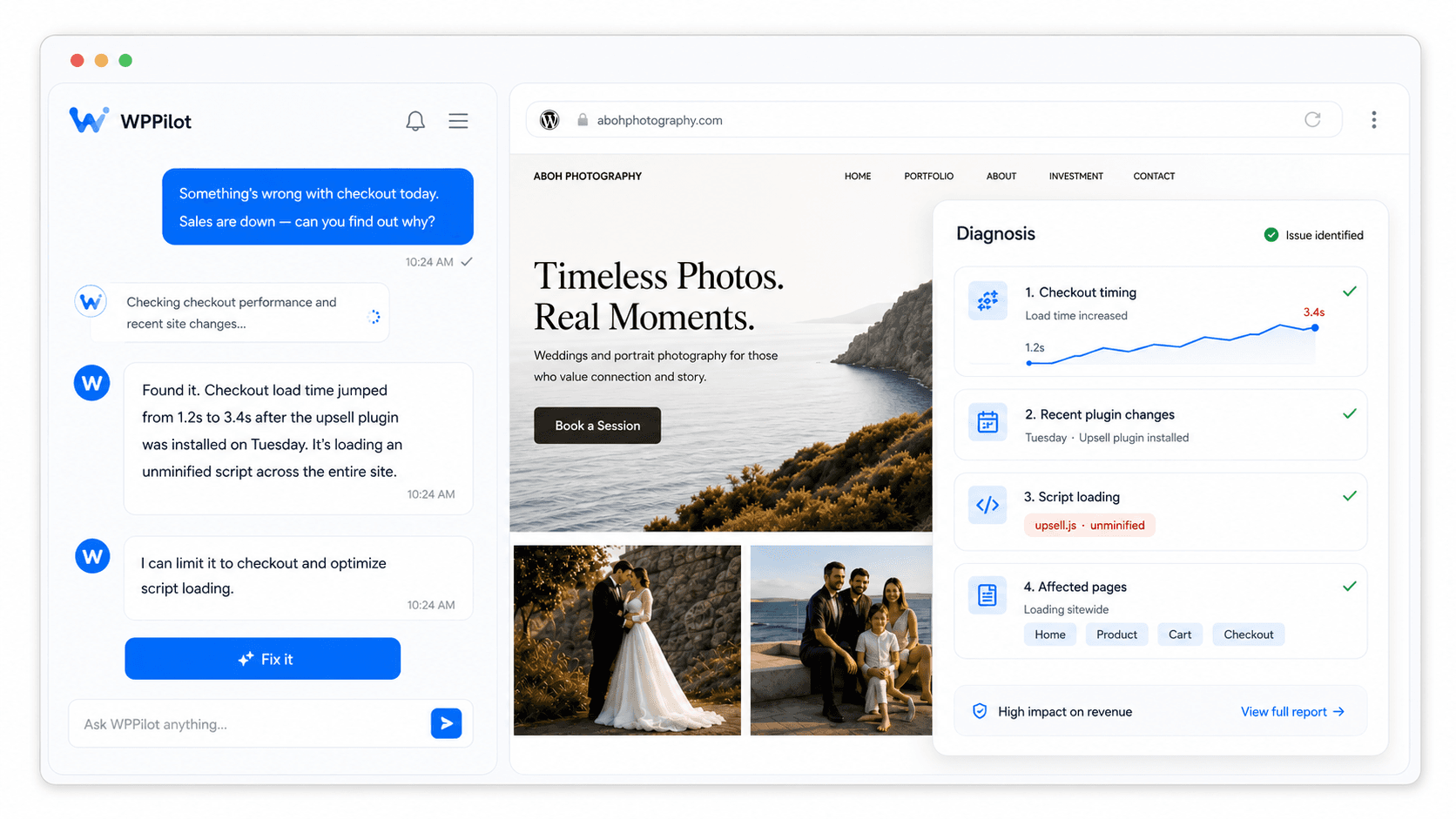
You talk to your site

The chat is not a generic AI assistant. It is a conversation with an AI that has studied your site — and remembers everything you've discussed before.

Three layers of context make this work. The Briefing is its baseline knowledge. Conversation memory carries across sessions. And when you ask 'what plugins do I have right now?' — it queries your live site and answers from current data, not cached summaries.

Animation

A chat conversation rendering live — user types a question, AI responds with a small tool-use indicator appearing ('checking your plugins…'), then a real-feeling answer. ~7 seconds. Feels like a real conversation, not a chatbot demo.

04

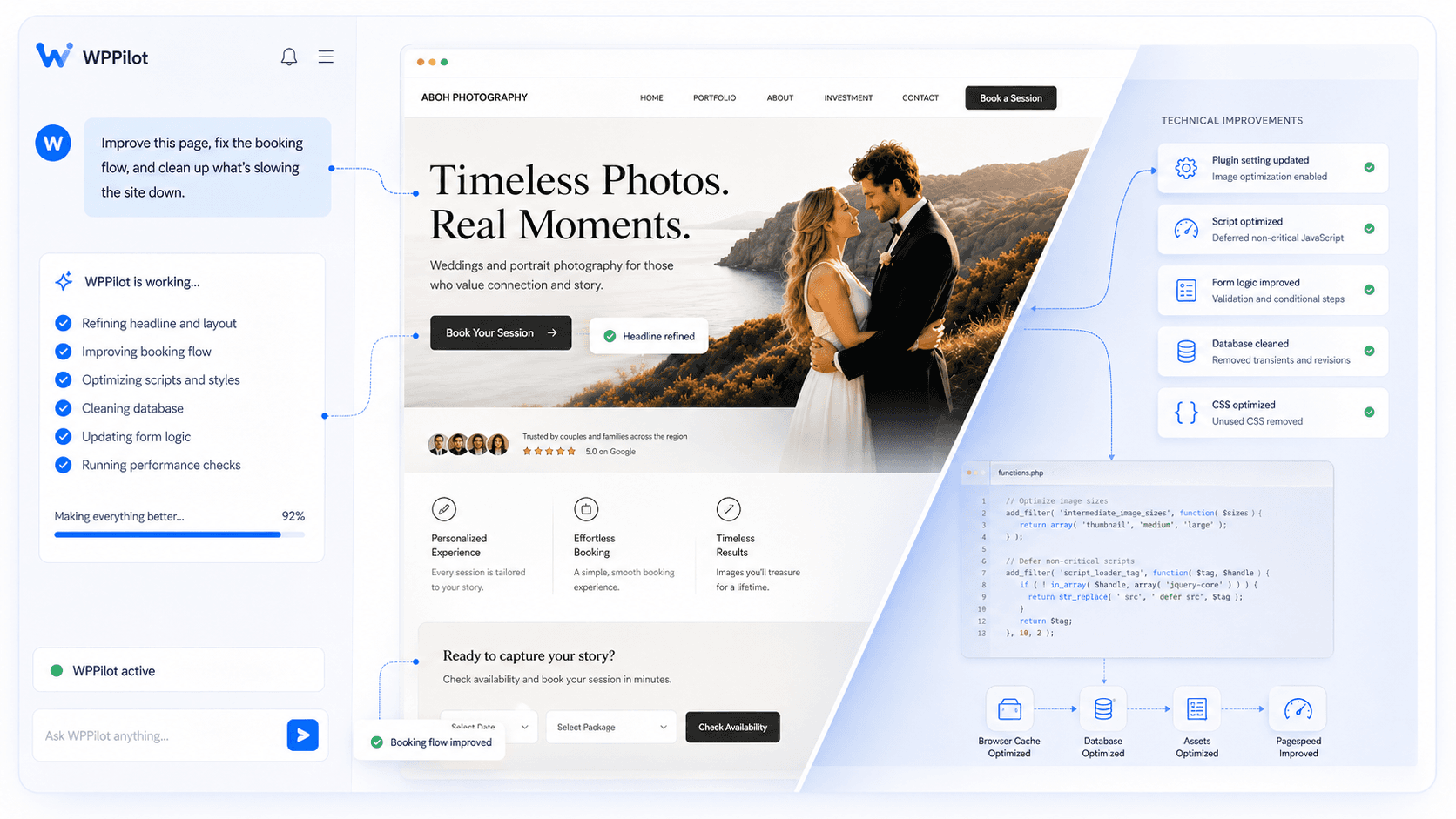
WPPilot takes action

Every action shows you what will change before it touches your site. You approve. WPPilot executes. A snapshot is taken automatically. One click rolls everything back.

Posts, pages, meta descriptions, plugin settings, theme configurations, database operations. The full WordPress surface, through conversation, with safety built in.

Animation

An action preview showing — diff view appears (before on left, after on right), user clicks 'Execute,' small loading state, success indicator, then a quick demonstration of clicking 'Undo' and watching it revert. ~8 seconds. Sells the safety as clearly as it sells the capability.

05

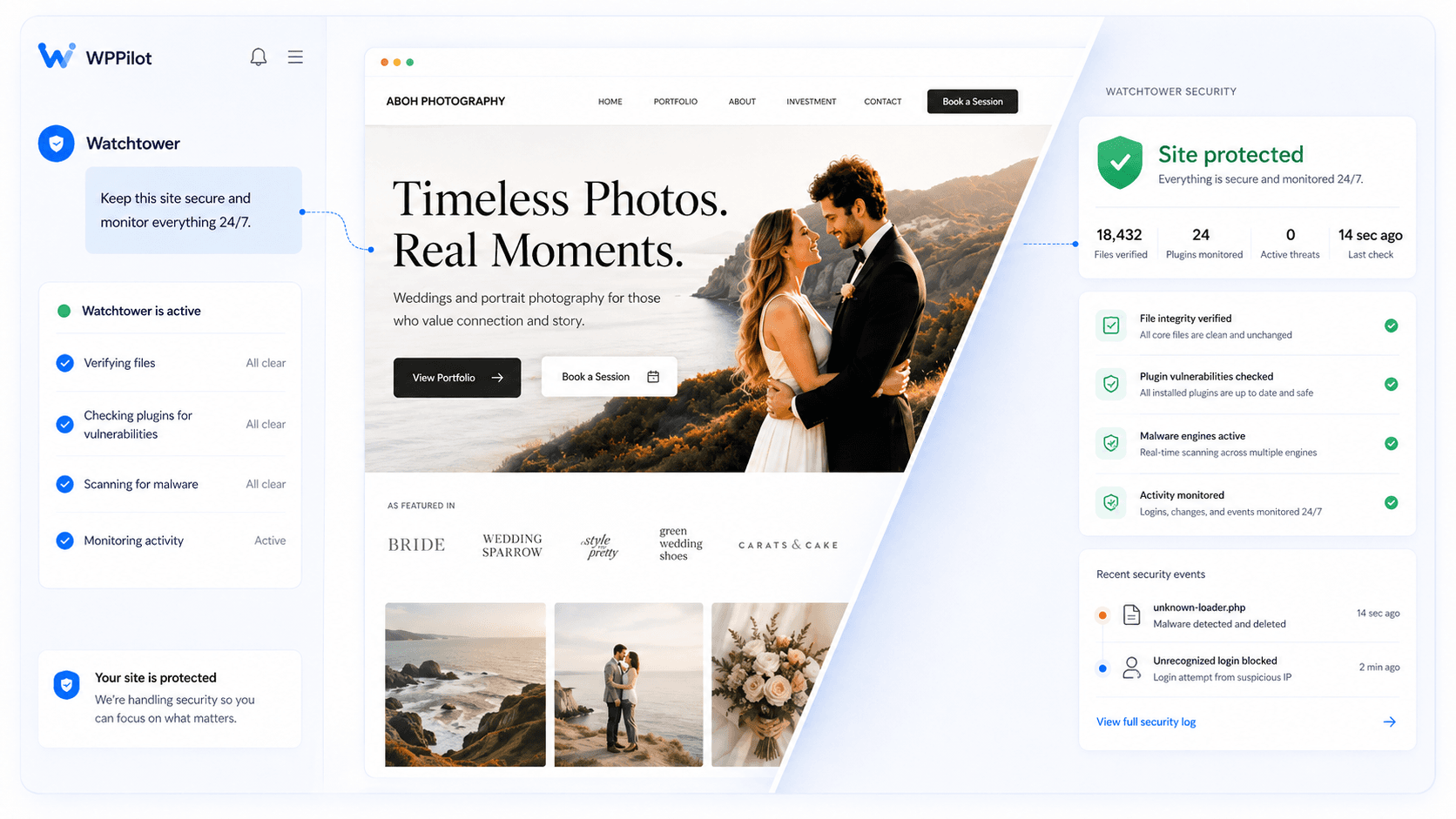
Watchtower never sleeps

An AI security team for your WordPress site, on duty 24/7. Watchtower hunts threats, blocks malware, shuts down vulnerabilities the moment they appear.

Six detection engines scan your files daily. Every plugin you run checked against the latest vulnerability databases. AI-trained analysis separates real threats from false alarms. The live activity feed shows everything happening on your site in real time.

Animation

Watchtower-style dashboard — threat counter increment, scan engines lighting up one by one (six of them), a vulnerability match appearing with the plugin name, finally a 'threat blocked' event flowing into the activity feed. ~10 seconds. WPFort.ai's visual style is the reference.

06

It just works

One-click connect. Any WordPress host. No migration, no vendor lock-in. WordPress finally has an AI that actually understands it.

The plugin is the lightest possible presence on your site — a secure data conduit, read-only by default. All intelligence runs on WPPilot's infrastructure. Deactivate the plugin and WPPilot disconnects cleanly. No residual database tables. No leftover files. No orphaned cron jobs.

Animation

WordPress dashboard → click 'Authorize WPPilot' → loading indicator → WPPilot Briefing screen appearing. ~5 seconds. The 30-second install promise made visceral.

Ready to see what WPPilot finds on your site?

Install free. Connect in one click. Your first Briefing is minutes away.